
Sabrina Ramonov 🍄
A practical guide to making money, creating content that gets customers, and getting started with Claude Cowork / Claude Code.
Making Money with AI
Services
Content
Product
Time to first $ →
Leverage →
fast cash
slow grind
repeatable services
scalable assets
1:1 Coachingsell what you know
AI Strategy Consultingfind wasted time
Business Trainingteach teams live
AI Automation Agencyreplace manual work
Social Media Agencydone-for-you posts
AEO Agencyrank in AI answers
Paid Speakingone workshop offer
Vibe Code Agencyclient prototypes
Vibe Coding Productone painful workflow
Paid Coursesrecord lessons once
Paid Communityhelp + accountability
Brand Sponsorshipsprove daily views first
Faceless AI Videoschannel before offer
CRM & Funnel Setupcapture + convert leads
Fastest paths to a first dollar
- Coaching, consulting, training, workshops, and setup services sell fastest.
- The offer is simple: save time, increase revenue, or remove admin work.
- Business training, CRM/funnel setup, and practical AI workflows are strong for non-technical buyers.
Fast cash vs. longer-term plays
- Agency work, day 1–14: you do not need a following, a big portfolio, or a platform. You need one business owner with a painful problem, a targeted message, a call, and a deposit.
- Brand sponsorships, month 2+: even a fast path usually means posting consistently, proving baseline views, reaching brand managers, and waiting for marketing-budget approval.
Highest leverage paths
- Courses, communities, sponsorships, faceless content, and SaaS scale better.
- They usually take longer because audience, trust, or product-market fit must build.
- The biggest trap is choosing a slow-leverage path while needing fast cash.
Added from the YouTube video
- Brand sponsorships: build useful content first, then package audience attention.
- Faceless AI videos: build the channel before the offer, then monetize with products or services.
- Vibe coding products: ship one useful workflow, then focus on marketing.
- Marketing automations: CRM and funnel systems.
Best fit for beginners
- Start with services that use existing expertise, not technical complexity.
- Use AI to package skills into coaching, content, workshops, or simple workflows.
- Graduate toward assets once proof, audience, and repeatable results exist.

Proof from the community
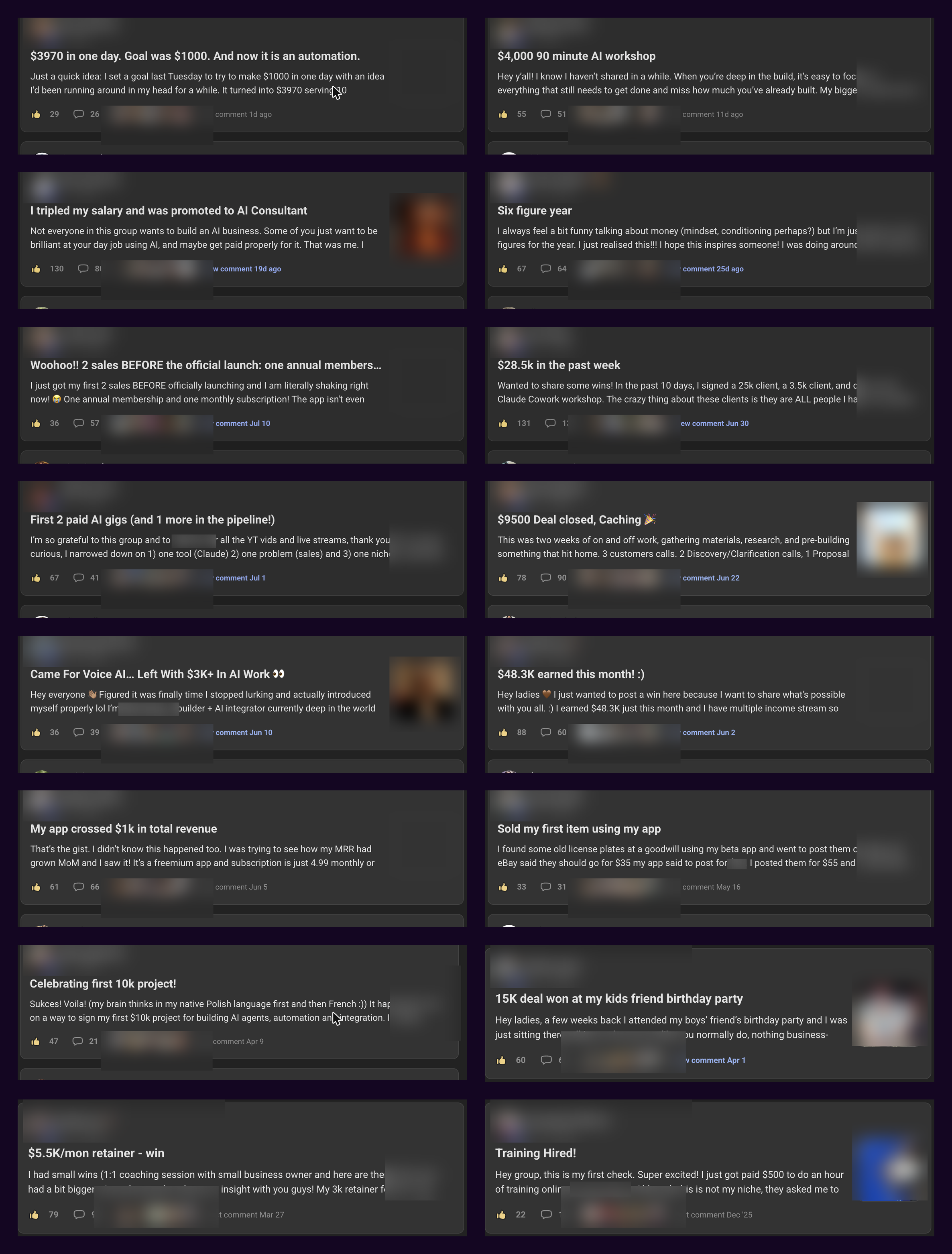
Everyday people are making money with AI
These are real money wins shared inside my free Women Build AI community - from first sales and paid workshops to retainers, subscriptions, salary growth, and larger client deals.
3 Ways to Use Claude Cowork/Code to Make Content
Create videos → design carousels → distribute everything and follow up with leads.
01Create videos
Create unlimited free videos
Claude Cowork / Claude Code builds reusable video templates. Hyperframes renders each finished version for free.
 Open the full Claude + Hyperframes tutorialSee how to create unlimited reusable videos
↗
Open the full Claude + Hyperframes tutorialSee how to create unlimited reusable videos
↗
02Design carousels
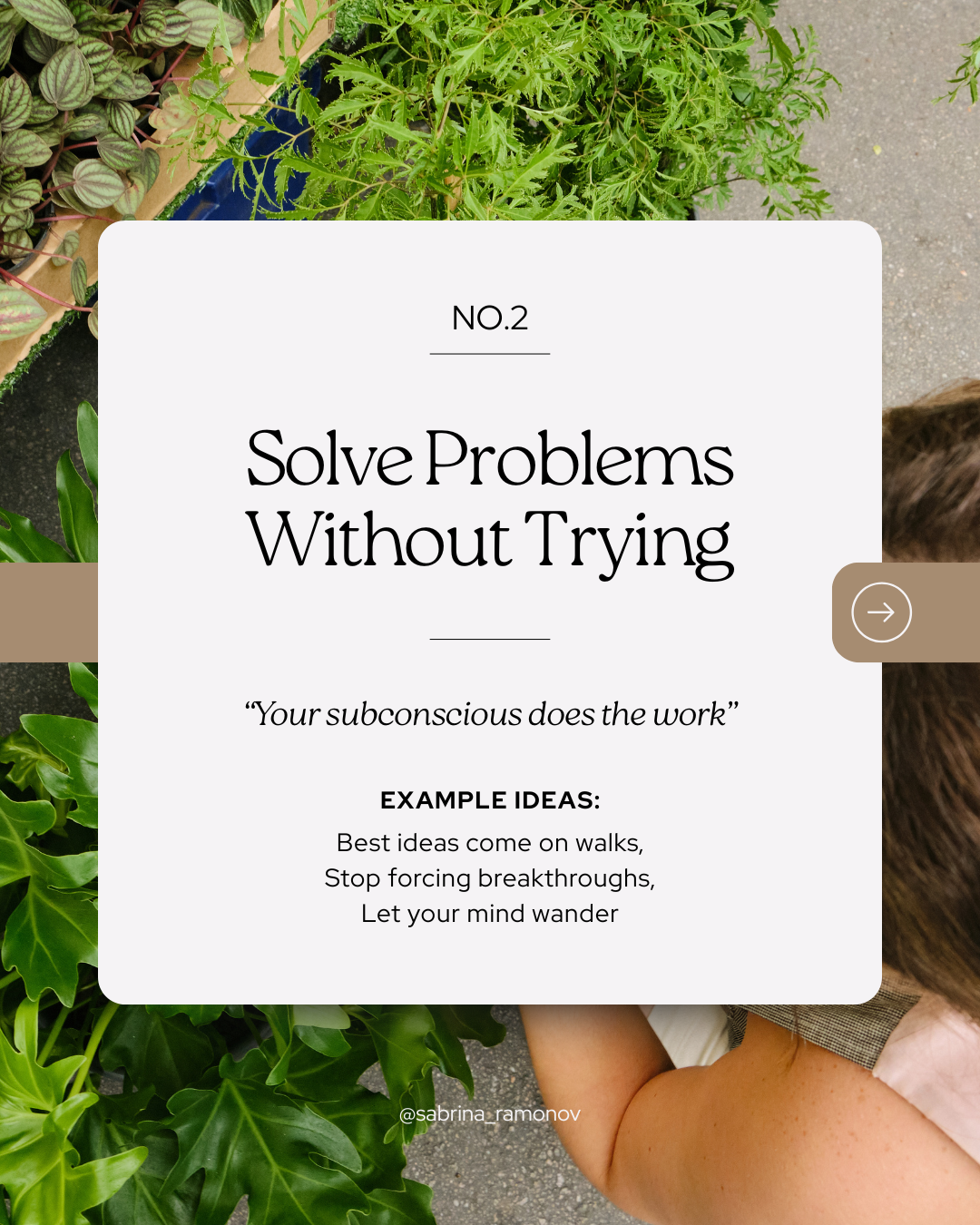
Create on-brand carousels with Canva + Claude
Claude writes every slide. Canva applies the design. You get a finished carousel ready to post.
Example A · Productive day





Example B · Content ideas





Open the full Claude + Canva tutorialSee the complete step-by-step workflow
↗
03Distribute + capture leads
Post everywhere, multiply your socials
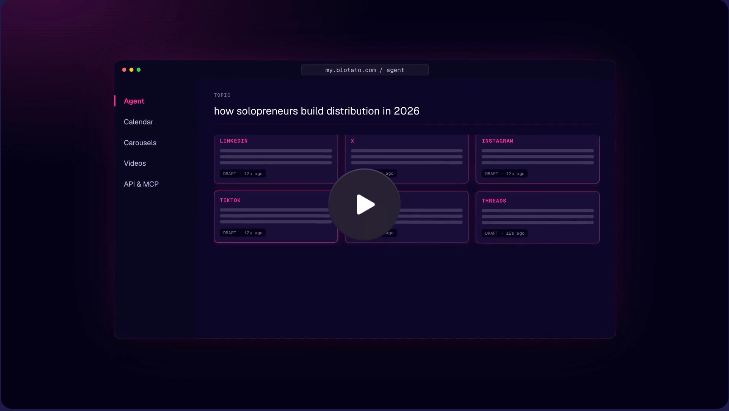
A simplified, reusable version of my /crosspost skill. Video goes to visual platforms. The core idea becomes standalone text for Twitter, Threads, and LinkedIn.
1 TikTokone finished video
↓Crosspost rewrites + distributes
Instagramvideo
YouTubevideo
Facebookvideo
Twittertext
Threadstext
LinkedIntext
How the skill works
1Understand the video
2Rewrite it for each platform
3Pause for approval
4Publish once, then verify every link
---
name: crosspost-video
description: Turn one finished video into approved posts for multiple social platforms.
argument-hint: "<video file or URL> [publish now or schedule]"
---

# Crosspost One Video Everywhere

Take one finished video and publish it across my connected social accounts.

## Rules

- Never publish before I approve every post.
- Never guess which account to use. Ask if more than one account is connected.
- Keep the original meaning. Don't invent claims, results, links, or quotes.
- Name tools or products shown on screen. Don't write vague phrases like "this tool."
- Use hashtags I provide exactly. If I provide none, suggest them for review.
- Create only one post per platform. Check for duplicates before publishing.

## Step 1: Confirm the input

Confirm:
1. The exact video file or URL
2. The platforms to use
3. Publish now or schedule later
4. Any required link, CTA, hashtags, or account

Default platforms: Instagram, TikTok, YouTube, Facebook, Twitter, Threads, and LinkedIn.

If no social-posting tool is connected, stop and ask me to connect one.

## Step 2: Understand the video

Transcribe the spoken words.
Inspect the frames when the speaker refers to something visible on screen.
Write down the main idea, named tools, useful details, and any call to action.

## Step 3: Write the posts

Create these drafts:

### Instagram, TikTok, Facebook
- Post the video.
- Start with a clear first line.
- Explain the value in plain language.
- Add the approved CTA and hashtags.
- Remove hashtags from Facebook unless I request them.

### YouTube
- Post the video.
- Write a title under 100 characters.
- Write a clear description with the approved CTA and hashtags.

### Twitter
- Convert the video's best idea into a standalone text post.
- Keep it under 280 characters, including any link.
- Lead with the insight, not "watch this video."
- Use no hashtags unless they add useful context.

### Threads
- Convert the idea into a standalone text post under 500 characters.
- Use 3 to 6 short lines so it reads naturally.
- Give enough context to understand it without the video.
- End with the takeaway or approved link.

### LinkedIn
- Convert the idea into a standalone text post.
- Make it useful for professionals who may not watch the video.
- Lead with the practical insight or lesson.
- End with a clear takeaway, question, or approved link.

## Step 4: Show me the review

Before publishing, show one table with:
- Platform
- Post text
- Character count
- Video or text-only
- Account
- Publish time

Then ask: "Approve all, edit one, or cancel?"

Stop and wait for my explicit approval.

## Step 5: Publish

After approval, use the connected social-posting tool.

- Upload the same video to Instagram, TikTok, YouTube, and Facebook.
- Publish the approved standalone text to Twitter, Threads, and LinkedIn.
- Use the approved account and time for every post.
- Save the post or submission ID returned by each platform.

If a platform fails, don't create a second copy. Check the first submission's status before retrying.

## Step 6: Verify

Check that every post is published or scheduled once.
Report the status, publish time, and link or submission ID for each platform.
List any failure clearly and leave successful posts unchanged.
 Watch the Claude Cowork for Beginners tutorialSee how one video becomes posts across every platform on YouTube
↗
Watch the Claude Cowork for Beginners tutorialSee how one video becomes posts across every platform on YouTube
↗
Getting started with Claude Cowork / Claude Code
This example walks through one real client-getting workflow from idea to sales call.
The real example we’re walking through
Use Claude Cowork / Claude Code to turn your expertise into a coaching offer, create social content that attracts your first clients, and build an interactive sales page you can screen-share on your first sales calls.
Step 1
Create your offer — in this case, a coaching program.
Step 2
Create social content that helps your first clients find you.
Step 3
Create an interactive sales page to explain ROI and close the deal.
Create Offer
Turn your existing expertise into one clear paid offer people can understand quickly.
See Real Example →Ask me 10 detailed questions about my background related to [THE PAIN POINT I SOLVE]. Once I answer, research current market complaints from [MY TARGET CUSTOMER]. Combine your research and my answers into a complete operational coaching program. Output this as an ultra-sleek, minimalist light-mode web dashboard saved as coaching_program.html using elevated white cards, deep emerald accents, and progressive disclosure (clean expandable cards). Structure it into 4 scannable tabs: Overview: Program name, 1-sentence promise, ideal client bullet points, 'Who It's NOT For' list, and 1-line scope guardrail. Curriculum: A structured 12-Session Table displaying 4 columns: Session #, Topic, Key Outcome, and Core Question/Exercise. Client Toolkit: Clean summary cards for the Pre-Intake Checklist, the 7-item Capacity Scorecard, and the Weekly Check-in template. Investment: Program pricing (your suggestions), ROI calculation, and deliverables.
Get Customers
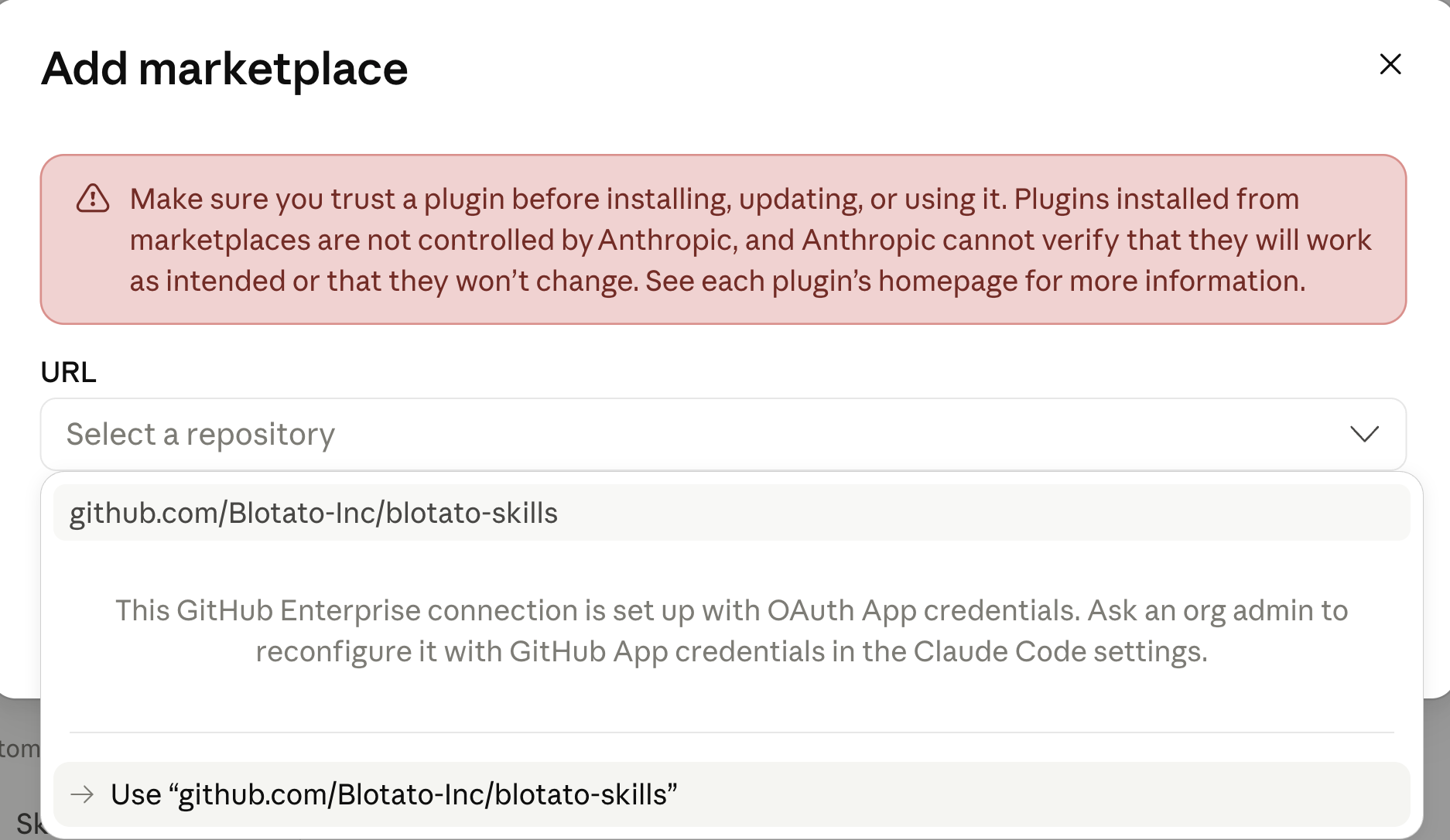
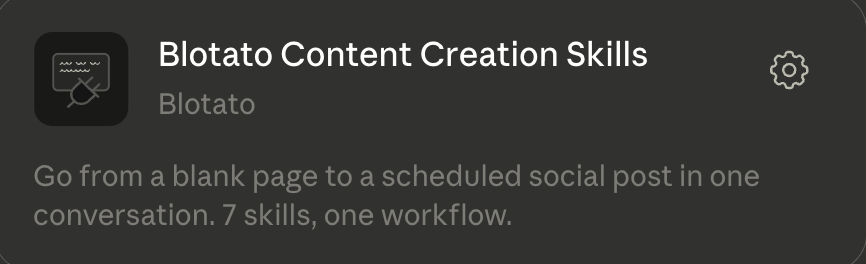
Install the free Blotato Skills so Claude Cowork / Claude Code can help you create, grade, repurpose, and schedule content.
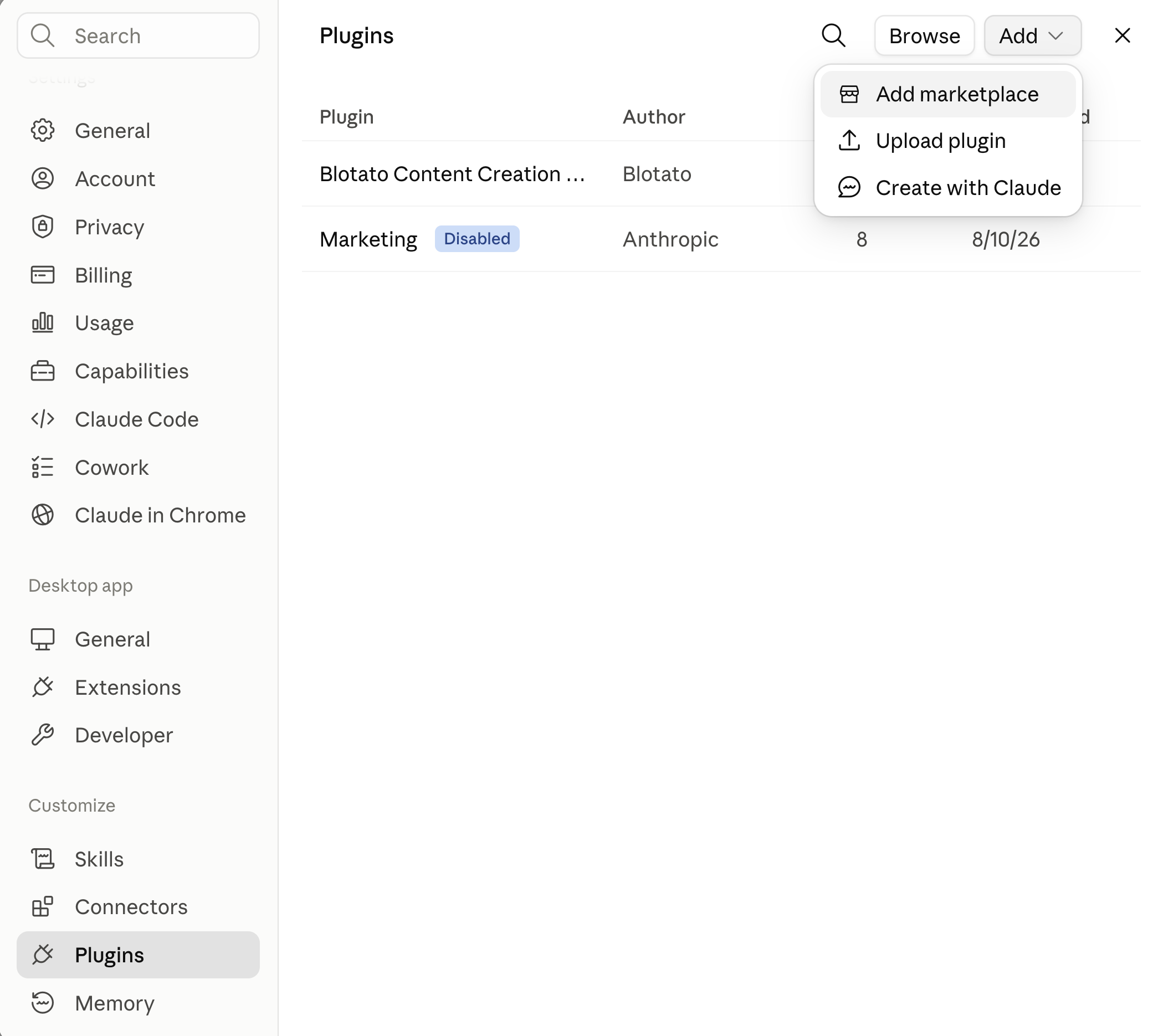
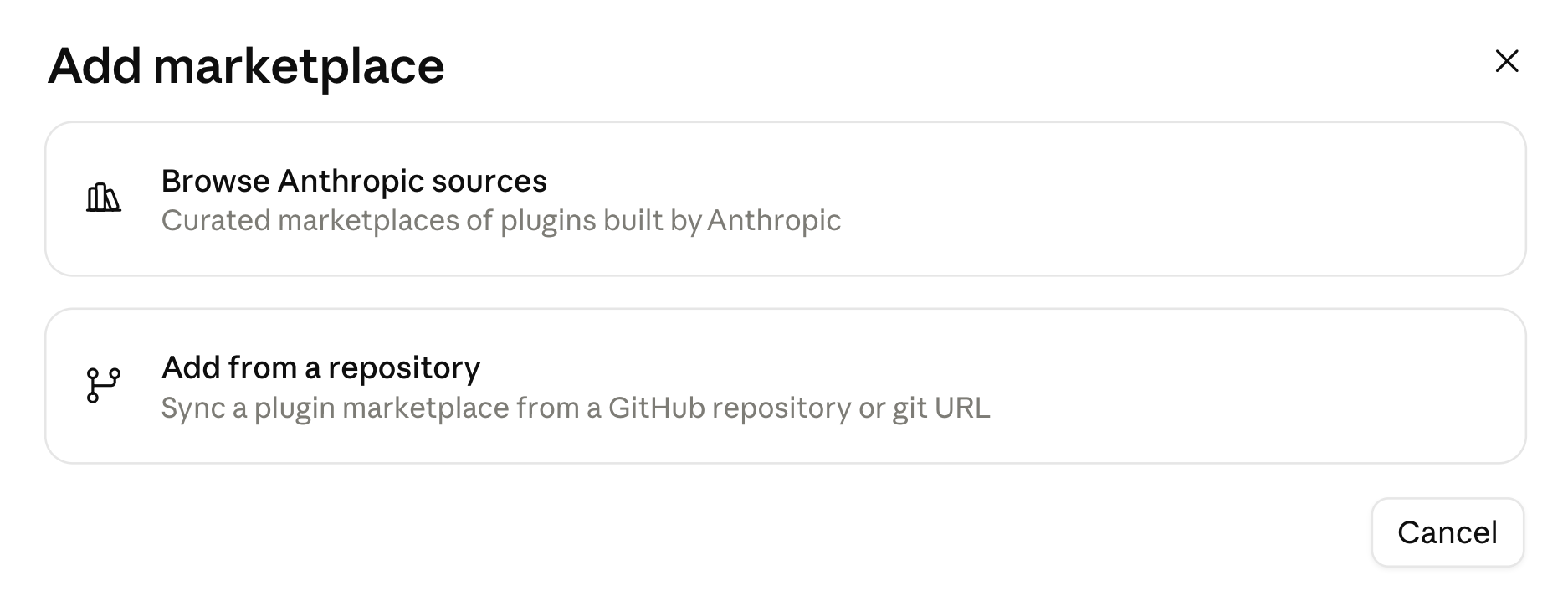
github.com/Blotato-Inc/blotato-skills
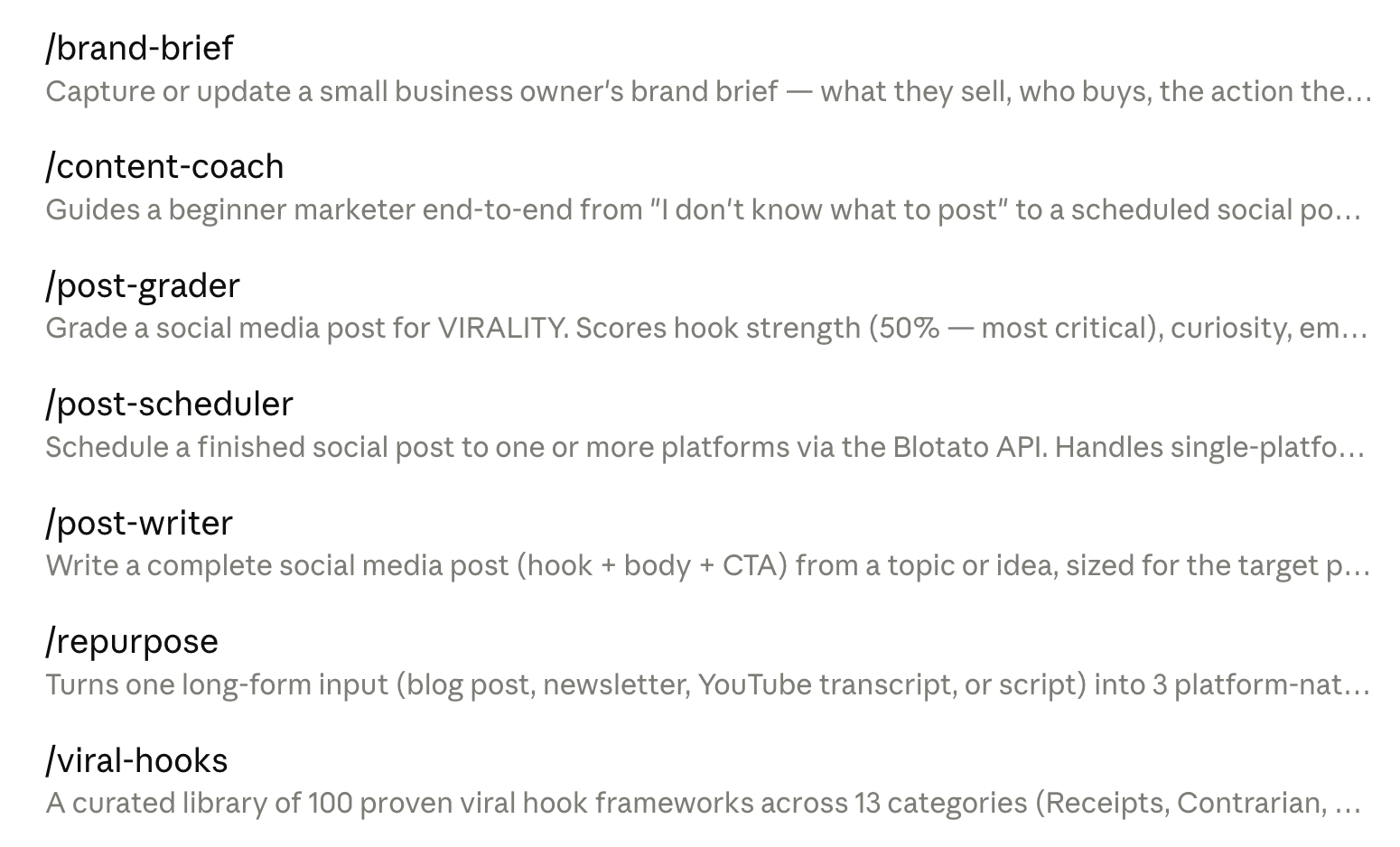
write a linkedin post to help me get my first customers

don't stop until post-grader scores it 9+ out of 10
post to linkedin now with this photo
make a carousel using "instagram carousel slideshow" template to help me get my first customers

mix of photographic scenes and data style graphics, ensure all text is easy-to-read
post to instagram now and schedule facebook tomorrow morning
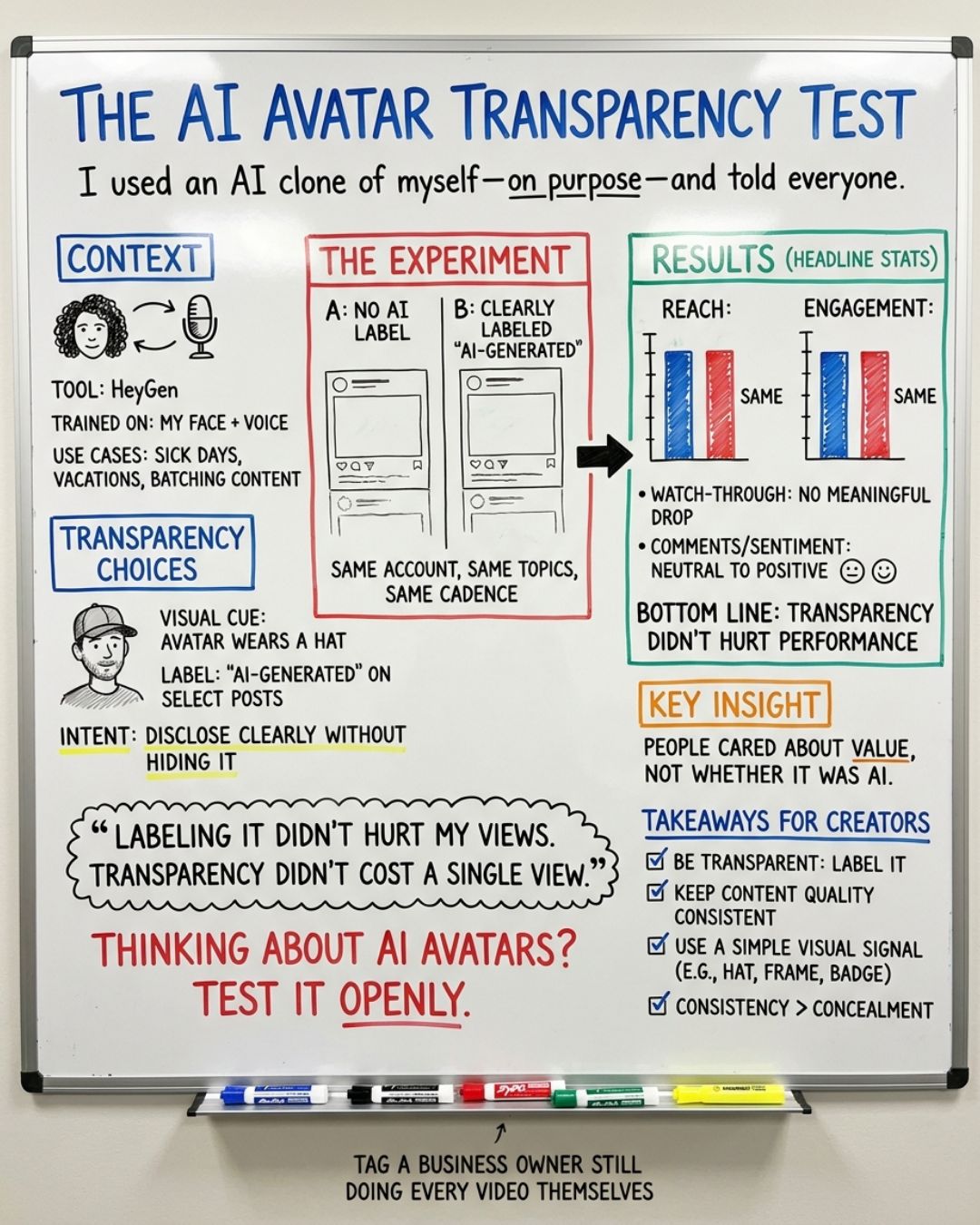
write a facebook post about 1 specific talking point from my meeting notes in Downloads folder and use Blotato to make a whiteboard infographic
review the Blotato docs for DM automation and create a Facebook DM automation: when someone comments COACH, send them this link to book time with me: https://www.sabrina.dev
This same workflow also works for Instagram comment-to-DM automations.
Close Customers
Build an interactive sales page you can screen-share on a client call to explain the offer, show the ROI, and make the next step obvious.
See Real Example →Read coaching_program.html and create an interactive screen-share sales dashboard named closer.html. Style it as a modern executive dashboard with crisp cards, live calculators, and high-contrast typography. Structure it into 3 interactive sections: 1. Live Needs Assessment: Client name header, 4 interactive sliders scoring capacity struggles with color-shifting indicators, and a real-time Burnout Risk Gauge. 2. Cost of Inaction Calculator: Hourly rate slider calculating annual cost of lost capacity and revenue leaks live, paired with a side-by-side ROI comparison against my program price. 3. Prescription & Closer: A button to generate a custom 3-phase roadmap mapped from coaching_program.html, clear pricing tiers, and an 'Initiate Onboarding' button.
Who is Sabrina?
The welcome email I send new subscribers — why I teach AI for free, and what you’ll get next.
“Permanent financial insecurity” has become the default state for too many hard-working people. I refuse to accept that.
Hi, I’m Sabrina Ramonov 🍄
I teach everyday people how to master AI, prompts, and agents to achieve time/money flexibility.
100% for free.
Because the internet is full of people making wild claims, I’d rather give you specifics you can verify:
Age 0Born in Quezon City, Philippines, later immigrated to US.
22Graduated UC Berkeley, studying Computer Science & Physics — with $250k in student loans.
23Founded Qurious, an AI startup in healthcare.
25Closed pilots with billion-dollar pharmaceutical companies — and still failed to find product-market fit.
26Pivoted the technology into real-time AI guidance for sales and support teams.
28Made Forbes 30 Under 30 while sleeping on a mattress in a living room with no walls.
30Sold 100% of Qurious to Pegasystems (NASDAQ: PEGA) for $10M+ cash and stock.
31Stayed on as Director of Product Management to launch Qurious tech as Pega Voice AI, scaling it to 1000s of support agents globally and managing a team of ~20.
32After years of pushing through burnout, stepped back, moved near the mountains, and dropped 50 lbs to reclaim health and sanity.
33Started over from scratch publicly, posting content to teach people AI for free.
35Hit 3M+ followers and 30M+ monthly views with $0 budget, $0 courses, solo, while building a profitable software startup.
That journey taught me: achievement alone does not create freedom. You need control over your time, income and health.
Today, my startup is how I make my money — not by selling you $2,000 masterminds or courses.
My goal is to teach 10 million people AI for free:
- so you can buy back your time,
- enjoy financial flexibility,
- and escape the rat race.
What you’ll get from me
I’ll hit your inbox 2x per week: Wednesday & Saturday.
Expect tactical AI blueprints and frameworks you can copy, paste, and deploy immediately to buy back your hours.
Before the next email arrives, do one thing: hit reply and tell me the main thing you want to learn with AI.
That quick reply signals that you want these emails, making it more likely that my blueprints reach your Primary inbox.
I read every response — and your answers shape what I teach next.
To everyone fighting through the early, ugly stages of the grind:
I lived in a living room with no walls… sold my company for millions… and still burned out.
The chaos you’re feeling isn’t a glitch. It IS the learning.
- Sabrina Ramonov 🍄